How to · 5 minutes
How to program a garage door opener
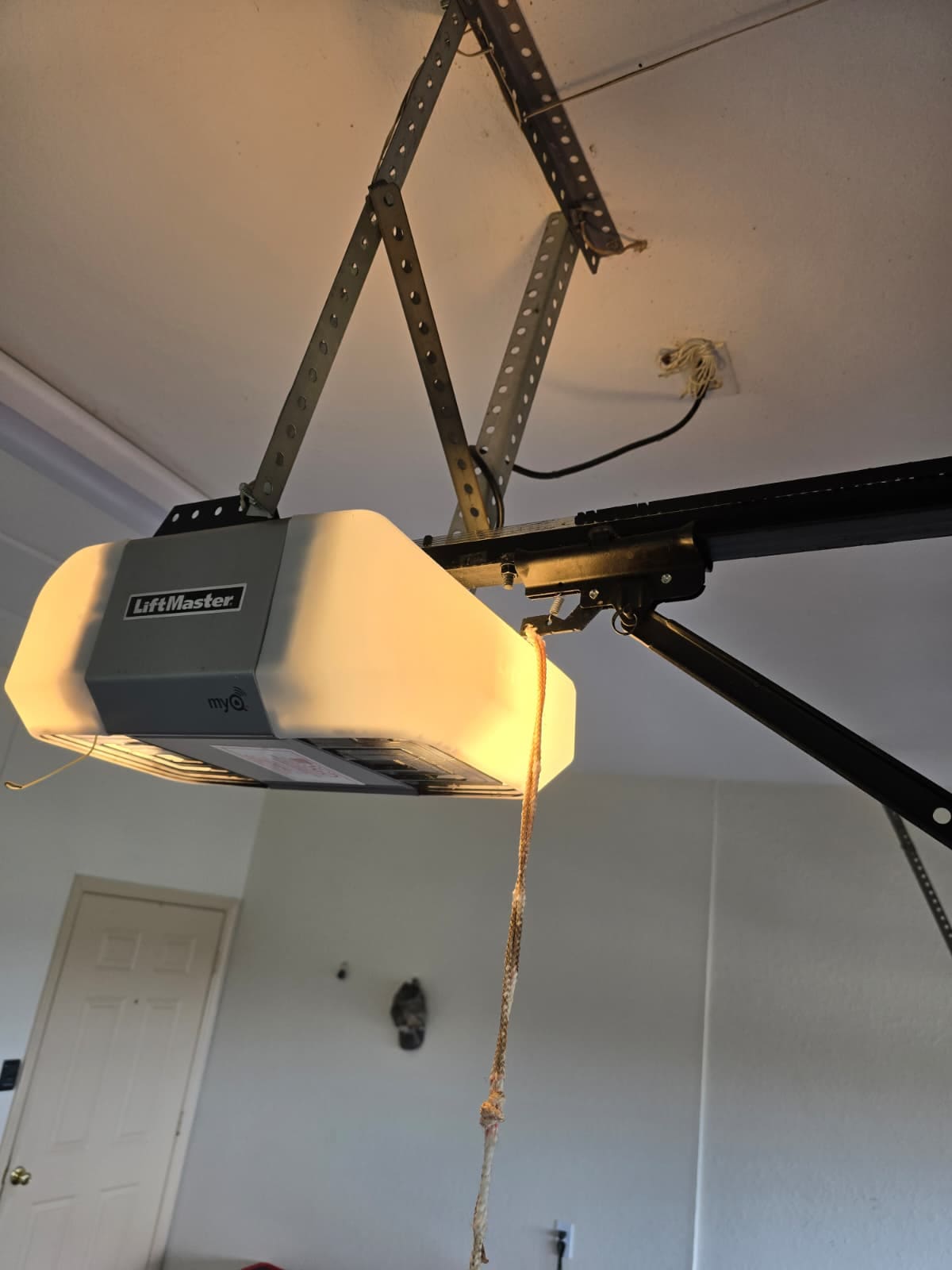
Every modern opener works the same way: press the learn button on the motor unit, then press the button you want to pair within about thirty seconds. The whole job is finding the learn button, which is on the back or side of the motor unit under the light cover, and is usually coloured.
What you need
- A stepladder
- The remote or keypad you are pairing
4 steps
Doing it
- Find the learn button on the motor unit. Take the light cover off if you cannot see it.It is a small coloured square — purple, yellow, red or green depending on the year. The colour tells an installer the frequency, which matters if you ever buy a replacement remote.
- Press and release it once. A light beside it comes on.Press and HOLD and you erase every remote already paired. One quick press is all it wants.
- Within thirty seconds, press the button on your remote.The opener light blinks or you hear a click. That is it paired.
- Test it twice, from where you actually use it.Range problems show up at the end of the drive, not next to the motor.
Where it stops being yours
If the learn light does not come on at all, the logic board has failed and that is a service call.
More how-to
Also asked
When it does not go to plan
I cannot find the Learn button — where is it?
On the motor unit itself, not the wall panel, and usually under the light cover or behind a panel at the back. It is a small coloured square and the colour matters more than the position: it tells you which generation of rolling code the opener uses, which is what decides whether a given remote will pair at all.
How long do I have after pressing Learn?
About thirty seconds on most units, and that is the single most common reason a first attempt fails. Have the remote in your hand and the button you intend to use already decided before you press Learn, rather than working it out while the window closes.
It pairs and then forgets — why?
Nearly always a flat remote battery that has enough left to transmit once. Change it before you assume anything is wrong with the opener. The other cause is having exceeded how many remotes the unit will hold, in which case the oldest is dropped as the newest is added.